




Description
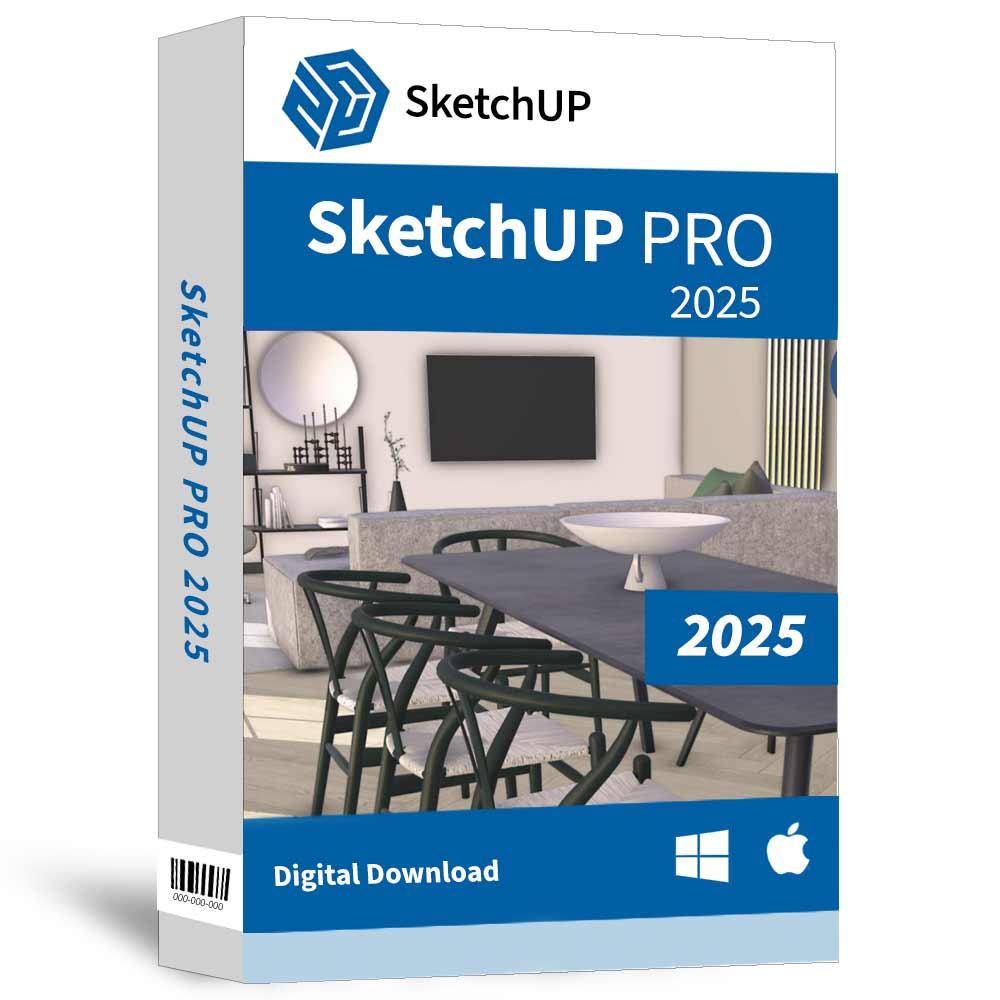
SketchUP Pro 2025 – 1 Device and 1 Year Subscription.
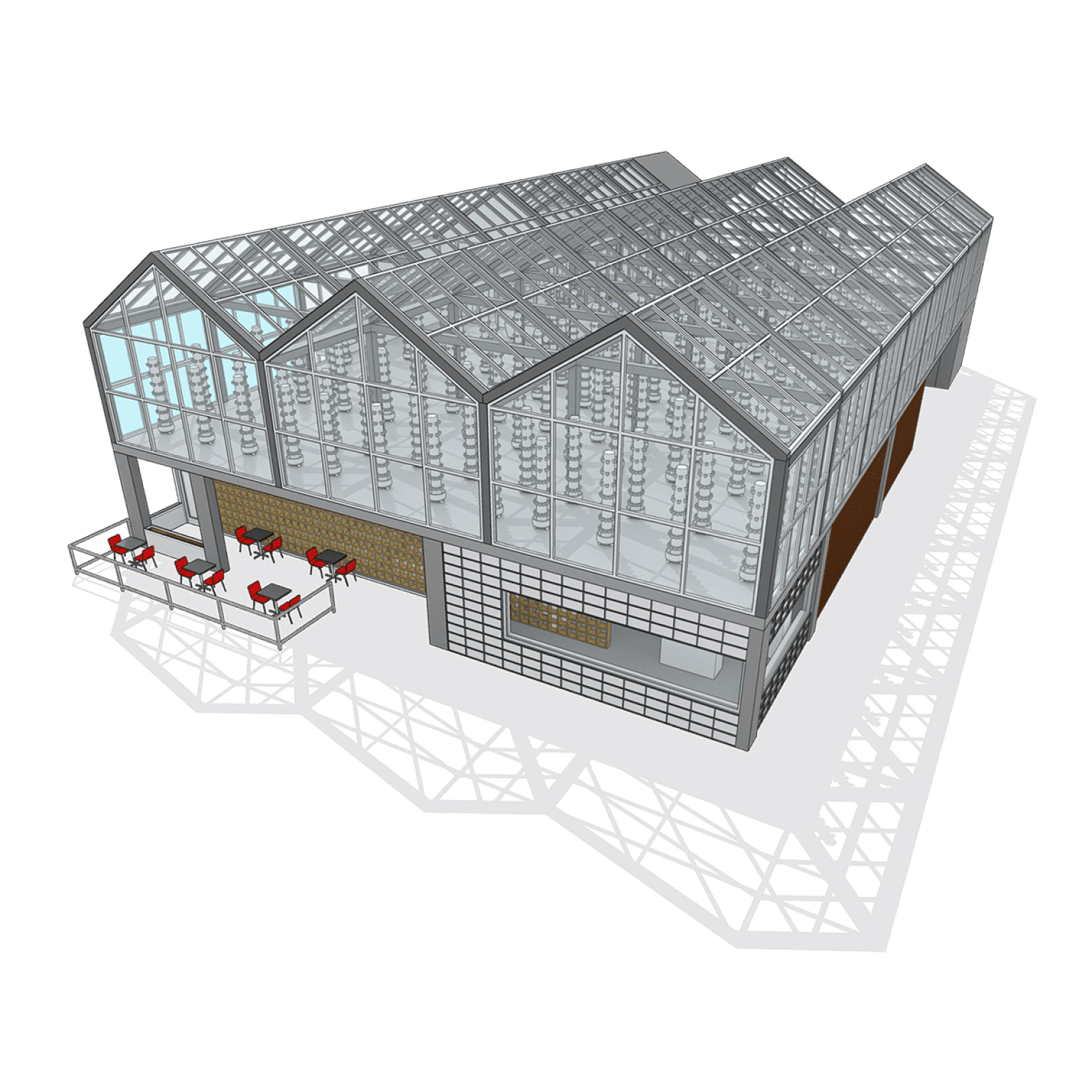
Create stunning 3D models with ease using Sketchup Pro’s user-friendly tools, precision modeling, and advanced design features for architecture, interior design, and engineering. Produce stunning work with our professional desktop modeler.
Sketchup Pro 2025 enable feature which let you iterate in 3D mode, which is very helpful and convenient. To make things even better, you can work through the ideas in 3D spaces and create the projects you want without worries. The models are accurate and with incredible detail, which is exactly what makes it so amazing and easy to use.
There are other features that make Sketchup Pro 2024 interesting too. It also has a set of extensions that you can add in order to further adapt this tool to your needs. In addition, it helps you work smart and fast with your projects, while eliminating concerns and making things a lot more cohesive. It also has the ability to generate reports and customize the look and feel of the interface for your own needs.
Design anything. Make everything: Create, share, and experience your projects in a whole new way with SketchUp.
Simple & powerful 3D Modelling: The most intuitive way to design, document, and communicate your ideas in 3D.
Accurate, detailed models: Accuracy from the beginning is vital. SketchUp Products enables you to design, define, and plan in all project stages.
A great mix of our classic desktop software, web-based modeler, and our shiny new Sketchup Pro for iPad app – perfect for working on the go. Plus, a robust feature set includes sharing and saving projects to the cloud, customizing your workflow with third-party extensions, and creating detailed 2D and 3D construction documentation. Work seamlessly and efficiently throughout every phase of design.
Key Features:
- New Graphics Engine – SketchUp graphics engine got an upgrade! This new graphics engine takes advantage of emerging hardware and software technologies, providing notable improvements in file navigation and responsiveness.
- Ambient Occlusion – A new face style that adds visual emphasis to the way edges and faces interact in your models, providing depth and realism within SketchUp.
- Trimble Connect and Link Sharing – SketchUp for Desktop now includes a native Trimble Connect integration. With Trimble Connect you can easily share a link to a view-only version of your model and quickly access your .skp files across devices.
- Add Location – The new Add Location simplifies the process of adding high-quality, accurate terrain, including an updated workflow, a visible True North arrow, and improved import options.
- IFC Import and Export Improvements – Importing IFC files into SketchUp is now faster and more predictable. We’ve also made multiple updates to IFC-4 exports that help maintain data consistency and optimized files, including a geometry tessellation option and multiple upgrades to how your components are exported.
- USDZ & gITF Interoperability – Newly added import and export functionality for both USDZ and gITF files opens up new possibilities for advanced visualization workflows and seamless transitions to and from industry-standard digital content creation tools.
- Scan Essentials Ground Mesh – The new Ground Mesh tool in Scan Essentials can quickly and easily turn a 3D point cloud scan into an accurate, quad-face based terrain mesh that you can edit and manipulate in SketchUp.
- Extension Error Dialog – If one of your extensions fails to load when you launch SketchUp, you’ll now see a new error dialog that can help you determine which extension is failing, update that extension if there is an update available, or uninstall it.
- Modeling Improvements – Various modeling improvements across core tools and features aim to increase productivity and help you stay in your creative flow.
- Revit Importer – SketchUp’s Revit Importer is now compatible with Revit 2024.
- Performance – The new Performance tab in Preferences introduces Draft Mode to help you improve graphics performance while working in your document. Plus, try out LayOut’s experimental graphics engine [Labs]..
- Ambient Occlusion – The new Ambient Occlusion face style is recognized and conveyed in LayOut viewports for richer 2D documentation.
- Improved Inferencing – Inference locking in LayOut is now a bit more like SketchUp. Additionally, while working in your document, LayOut will limit available references when drawing to entities closest to your last mouse click, increasing responsiveness for moving and copying entities
- Non-Scalable Labels – Labels no longer have scale grips but will remain scalable when attached to LayOut or SketchUp geometry.
- Export Improvements – When exporting your document, you can now choose multiple page ranges at once. Exports will now include page names alongside the file name.
Note: This is valid for 1 Device and 1 Year with activation license. User’s will get all the Installation steps and details directly on their email. You might need to create a Sketchup account online and will get an email with activation instructions. This Product is PRO version, hence, it will have all the Pro features.
Note: This is digital license activation code and all the download and installation instructions will be sent to users’ email address only. Sketchup Pro 2025 Product terms and conditions will be applicable.

Reviews
There are no reviews yet.